Tools & tips

Drive it like you own it

Charging

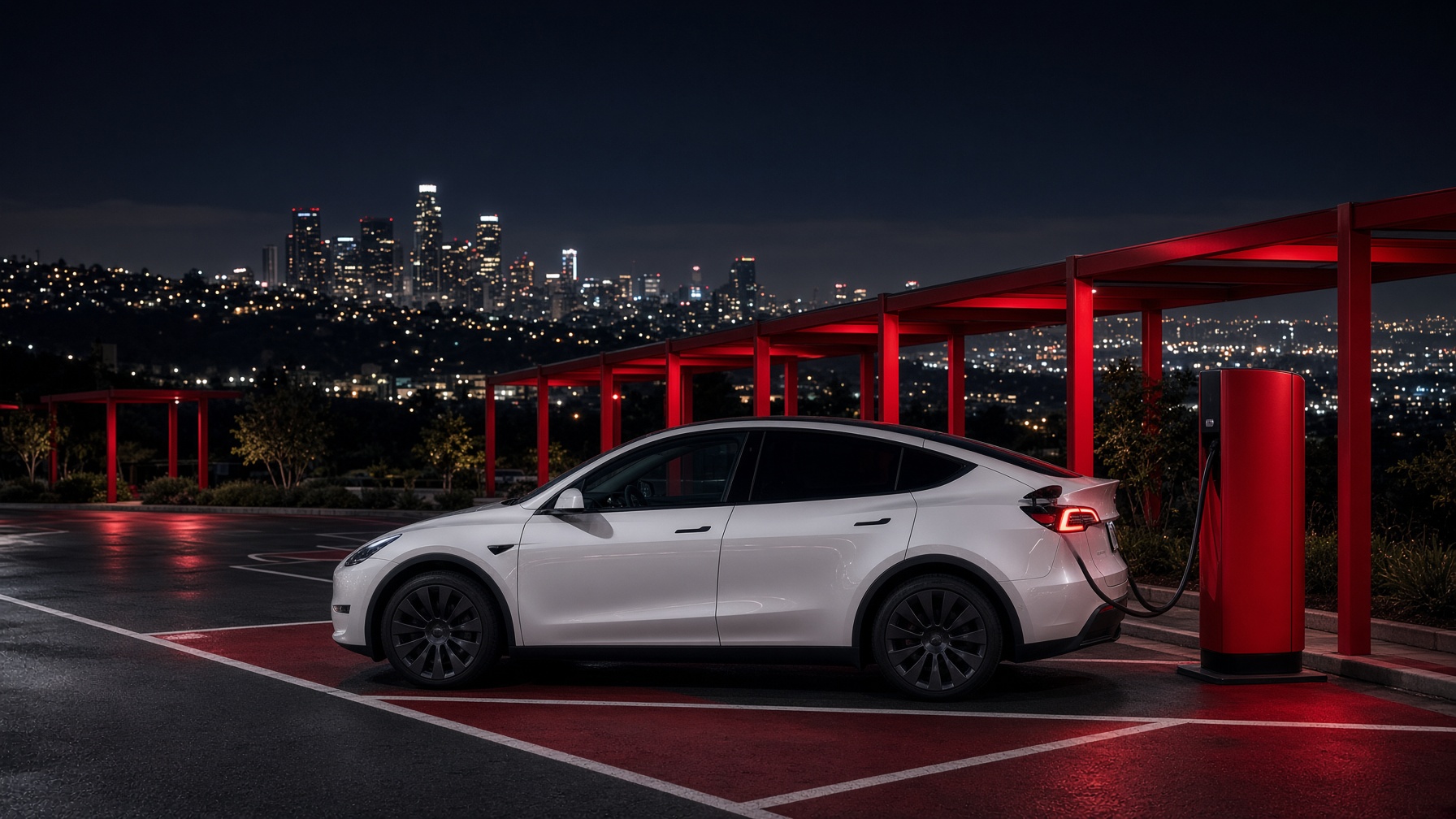
Los Angeles has one of the densest Supercharger maps in the country — Hollywood, Santa Monica, Downtown, Pasadena, Irvine, and the LAX corridor. Destination chargers at hotels and malls fill the gaps. We send you out with 80%+ and a short briefing.

  • Hollywood SuperchargerHollywood
  • Santa Monica SuperchargerSanta Monica
  • Downtown LA SuperchargerDowntown
  • Pasadena SuperchargerPasadena
  • Irvine Spectrum SuperchargerIrvine
  • LAX / El Segundo SuperchargerLAX

Trip planner

Drop your destination into Tesla’s trip planner for live Supercharger stops and arrival battery.

Open Tesla trip planner

Video guides

Official Tesla walkthroughs if you want the longer tour.

Video guides

Quick guides

A one-screen cheat sheet for each car — Autopilot stalk, charging port, frunk, child locks, camera views.

Model 3

  • Charge port: tap the rear-left fender
  • Park is P; drive stalk is on the right
  • FSD: double-pull the stalk, eyes on the road
  • Frunk: Controls → Open in the display
Details

Model Y

  • Charge port: tap the rear-left fender
  • Park is P; drive stalk is on the right
  • FSD: double-pull the stalk, eyes on the road
  • Frunk: Controls → Open in the display
Details

Model S

  • Charge port: tap the rear-left fender
  • Park is P; drive stalk is on the right
  • FSD: double-pull the stalk, eyes on the road
  • Frunk: Controls → Open in the display
Details

Model X

  • Charge port: tap the rear-left fender
  • Park is P; drive stalk is on the right
  • FSD: double-pull the stalk, eyes on the road
  • Frunk: Controls → Open in the display
Details

Cybertruck

  • Charge port: tap the rear-left fender
  • Park is P; drive stalk is on the right
  • FSD: double-pull the stalk, eyes on the road
  • Frunk: Controls → Open in the display
Details